TOPSYS software


Expertise


Agency

Automation8 min
Electronic archiving in Morocco: a guide to digitising company documents
Scanning, filing and finding documents: what electronic archiving changes for a company in Morocco, the legal framework to know and the steps to get started.
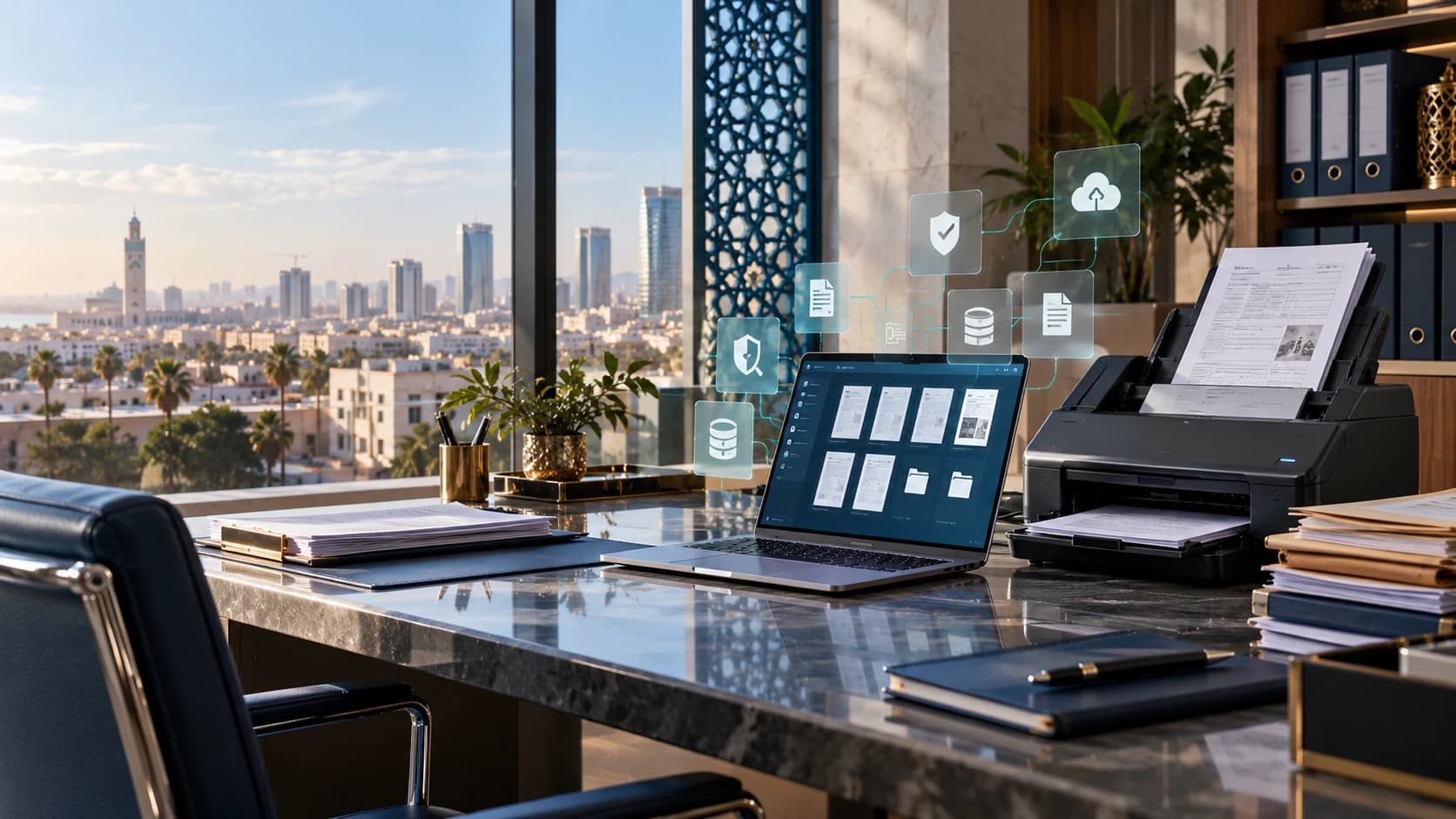
Electronic archiving means scanning, filing and keeping company documents in digital form, so they can be found quickly and their integrity is guaranteed over time. In Morocco, invoices, contracts, staff files and correspondence still often pile up in binders: document management software such as ArchiDoc brings them together and finds them in seconds.
Electronic archiving, DMS, scanning: what is the difference?
- Scanning turns a paper document into a file (PDF or image), with a scanner or a phone.
- A DMS (document management system) organises these files: filing, search, access rights, versions and sharing.
- Electronic archiving keeps documents over time, making sure they stay intact, readable and accessible only to authorised people.
In practice, a company needs all three: scan existing paper, organise the daily flow, then keep what must be kept.
Why digitise company archives?
- Find a document in seconds instead of searching through binders.
- Share a file between departments or branches without paper copies.
- Reduce losses, duplicates and risks from damp, fire or office moves.
- Control who sees what, with access rights and an activity history.
- Free up office space taken by archives.
The legal framework in Morocco
Several texts govern digital documents and their retention:
- Law No. 53-05 on the electronic exchange of legal data recognises electronic writing, provided its author can be identified and its integrity is guaranteed.
- Law No. 43-20 on trust services for electronic transactions notably governs electronic signatures and time-stamping.
- Law No. 09-08 protects personal data: documents that contain it (HR files, customer data) must be secured, and their processing declared to the CNDP where required.
- The Commercial Code requires accounting documents and supporting records to be kept for ten years.
The value of a digital copy depends on the type of document and how it is used: some paper originals must still be kept. Have your archiving policy confirmed by your accountant or legal adviser.
How long should documents be kept?
Retention periods vary by document. Accounting documents and supporting records (invoices, statements, ledgers) are kept for ten years under the Commercial Code. For contracts, staff files or tax documents, periods depend on the applicable texts: draw up a retention schedule by document type with your adviser.
The steps of an electronic archiving project
- Take stock of documents: types, volumes, departments involved, paper and digital.
- Define the filing plan: folders, categories, naming and keywords.
- Set access rights: who can view, edit or delete each category.
- Scan existing paper, starting with the most consulted documents.
- Organise the daily flow: each new document is imported and filed as soon as it arrives.
- Train the teams and regularly check that the filing plan is followed.
What software such as ArchiDoc brings
ArchiDoc is a SaaS document management platform designed by Mohtaoua, available on the web, iOS and Android. Documents imported from a scanner, an e-mail or an upload go through OCR (text recognition), AI classification and indexing.
- Keyword search within document content, thanks to OCR.
- An AI assistant to ask questions about your documents.
- Role-based access, data encryption and an audit log for each document.
- Use on computers and on mobile (iOS and Android).
A document filed as soon as it arrives is a document you can find in seconds.
How much does electronic archiving cost?
The cost depends on the volume of documents, the number of users and any scanning of existing paper. For ArchiDoc: Basic plan at MAD 299 per month (up to 5 users, 100 GB, 1,000 OCR scans), Professional plan at MAD 399 per month (unlimited users, 1 TB, unlimited OCR), and a custom plan on quotation (dedicated hosting, scanning, SLA).
Where to start?
Start with one department or a much-consulted document type (supplier invoices, contracts, HR files), then extend step by step. To see ArchiDoc on your own documents, request a demo or explore our software and digital products and our AI & automation practice.
This article provides general information, up to date as of 22 October 2026; it is not legal advice.

Got a project in mind?
Let’s talk about your brand, your website or your visibility.
Get in touch Discover the product: ArchiDoc